Authorization
The authorization page allows users to log into their account using an email address and password.
Log in
Navigate to the authorization page (https://agent.easyto.travel/login), enter your email address and password, and click Sign in.

Password reset
To reset your password, click Forgot password on the authorization page (https://agent.easyto.travel/login), enter your email address, and click Reset password.

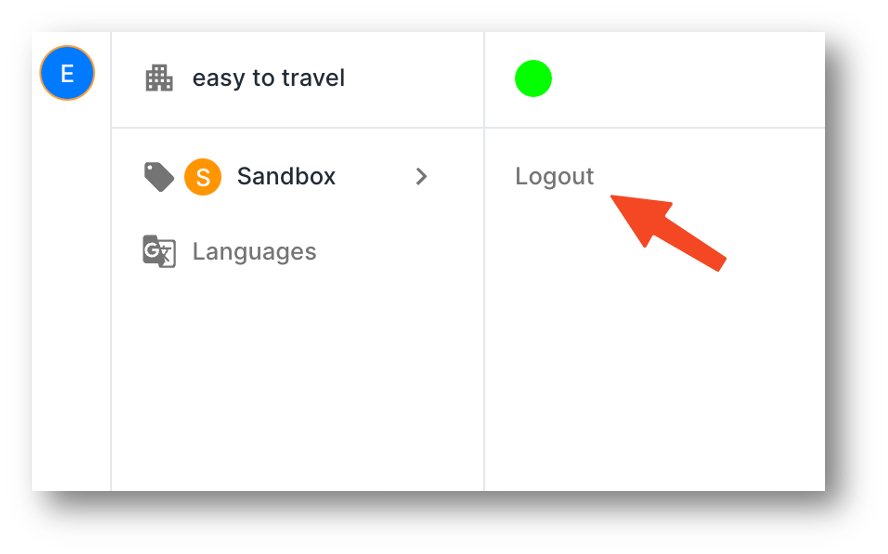
To open the settings menu, click on Settings in the lower left corner.

Environment indicator
A green circle and the label Production indicate that you are in the production environment. This environment is used for working with real data and operations. An orange circle and the label Sandbox indicate that you are in the testing environment.
The testing environment is used for familiarization with the product, integration testing, and ensuring accurate data exchange.
Accurately identifying the environment is crucial to prevent errors and ensure data integrity.

Logout
Click on Logout to end the session and exit your account.